
QBM companion apps. By Business Aim.+971 4 325 4455

App catalog

Focused apps.
Connected to your QBM.

QBMConnect is the public catalog for focused QBM browser apps. QSales, QSalesView, QPulse, and QClock are available now; additional apps can be added as they are released. QApps are included at no additional cost for QBM customers, with app availability matched to each QBM edition.

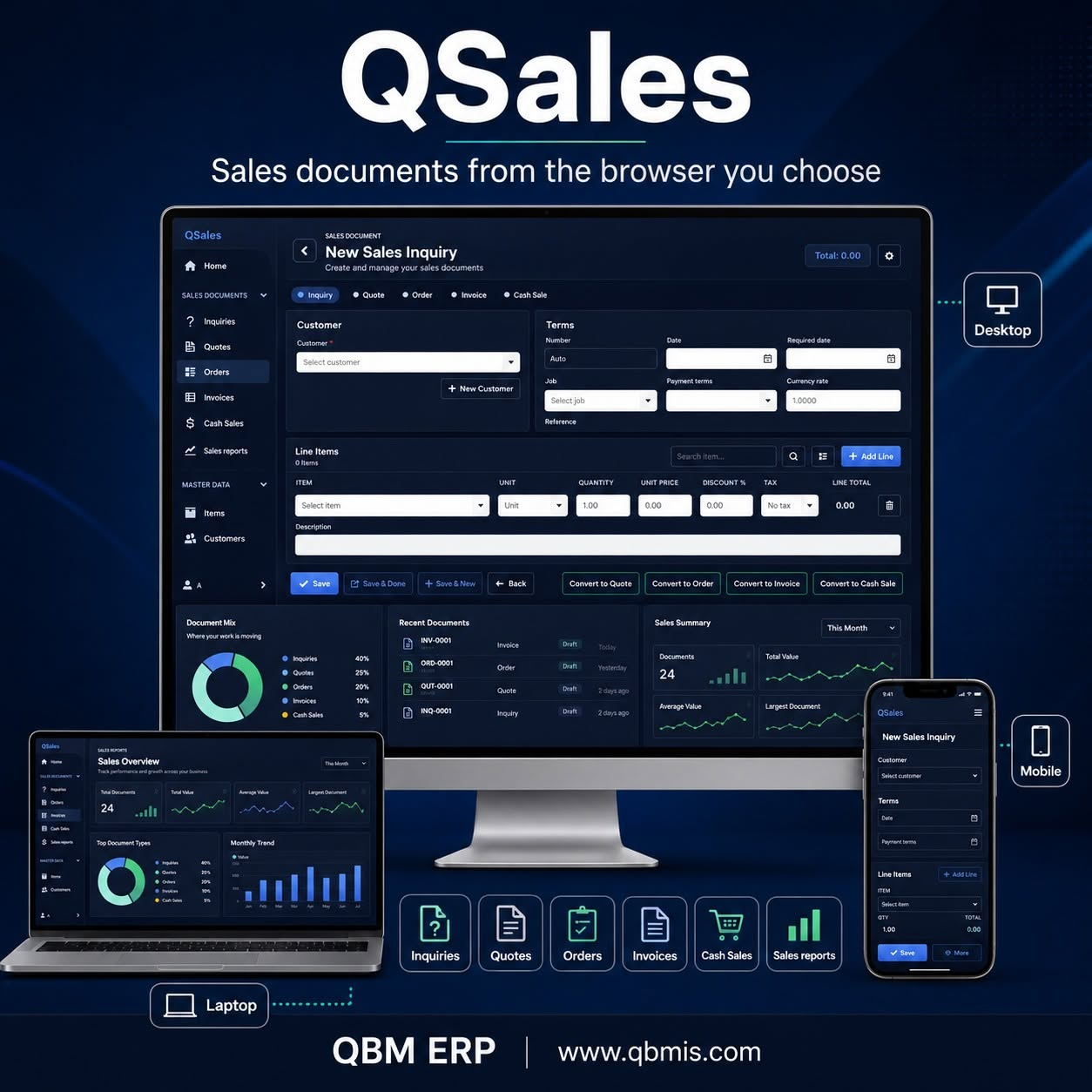
QSales across desktop, laptop, and mobile devices.
Sales workspace

QSales

Sales workspace for users who need to create and continue customer sales documents from approved devices.

  • Inquiries, quotes, orders, invoices, and cash sales.
  • Customer and item lookup, lines, totals, recent activity, and reports.
  • Supported conversions plus saved-document preview and print.
Read QSales details
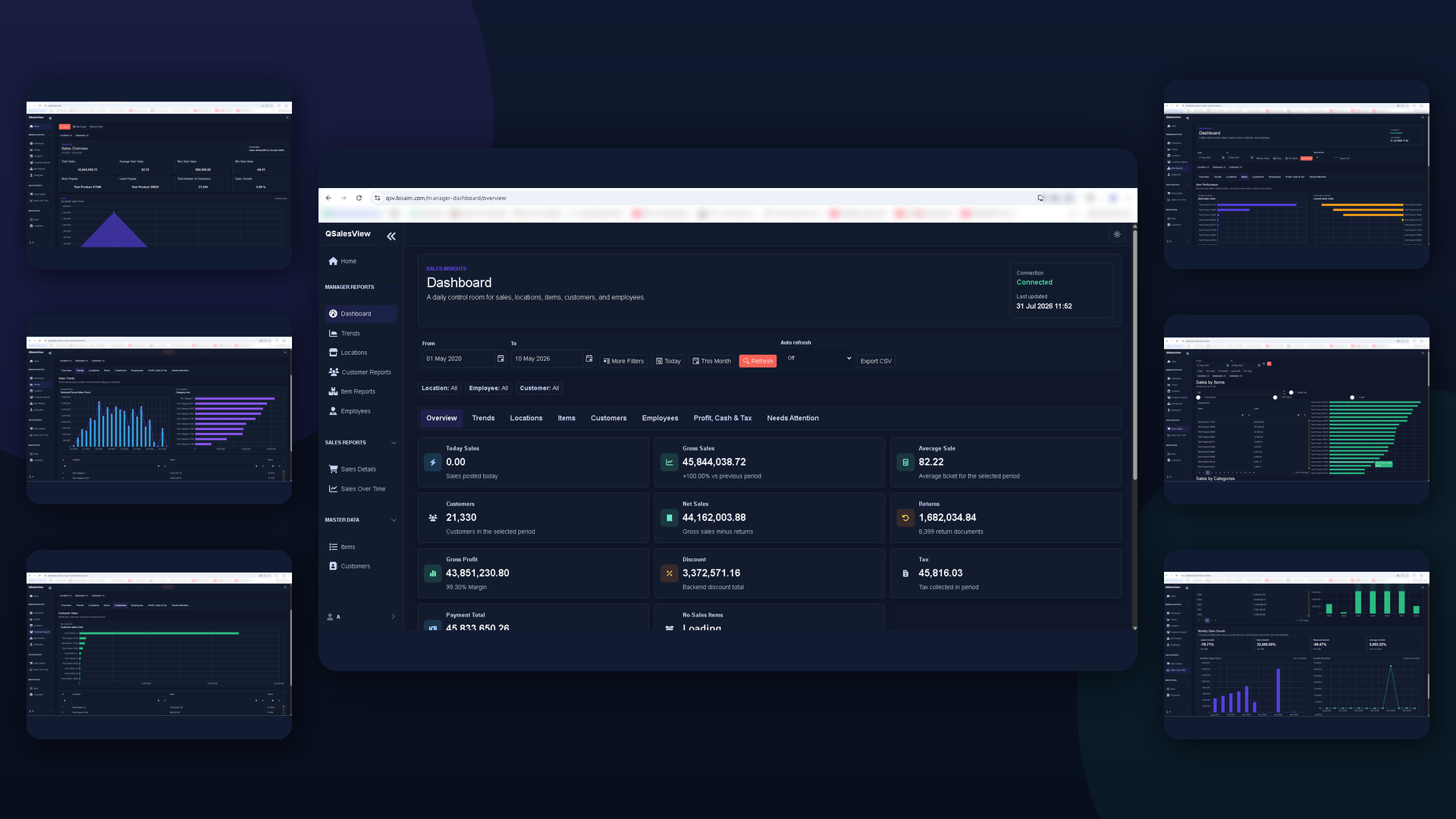
QSalesView dashboards and sales insight screens.
Manager insight

QSalesView

Sales dashboard and manager reporting app for owners and managers who need quick visibility from QBM data.

  • Sales totals, average sales, growth, customer counts, and item popularity.
  • Manager views for trends, locations, items, customers, employees, finance, and attention areas.
  • Browser-friendly access for approved users.
Read QSalesView details
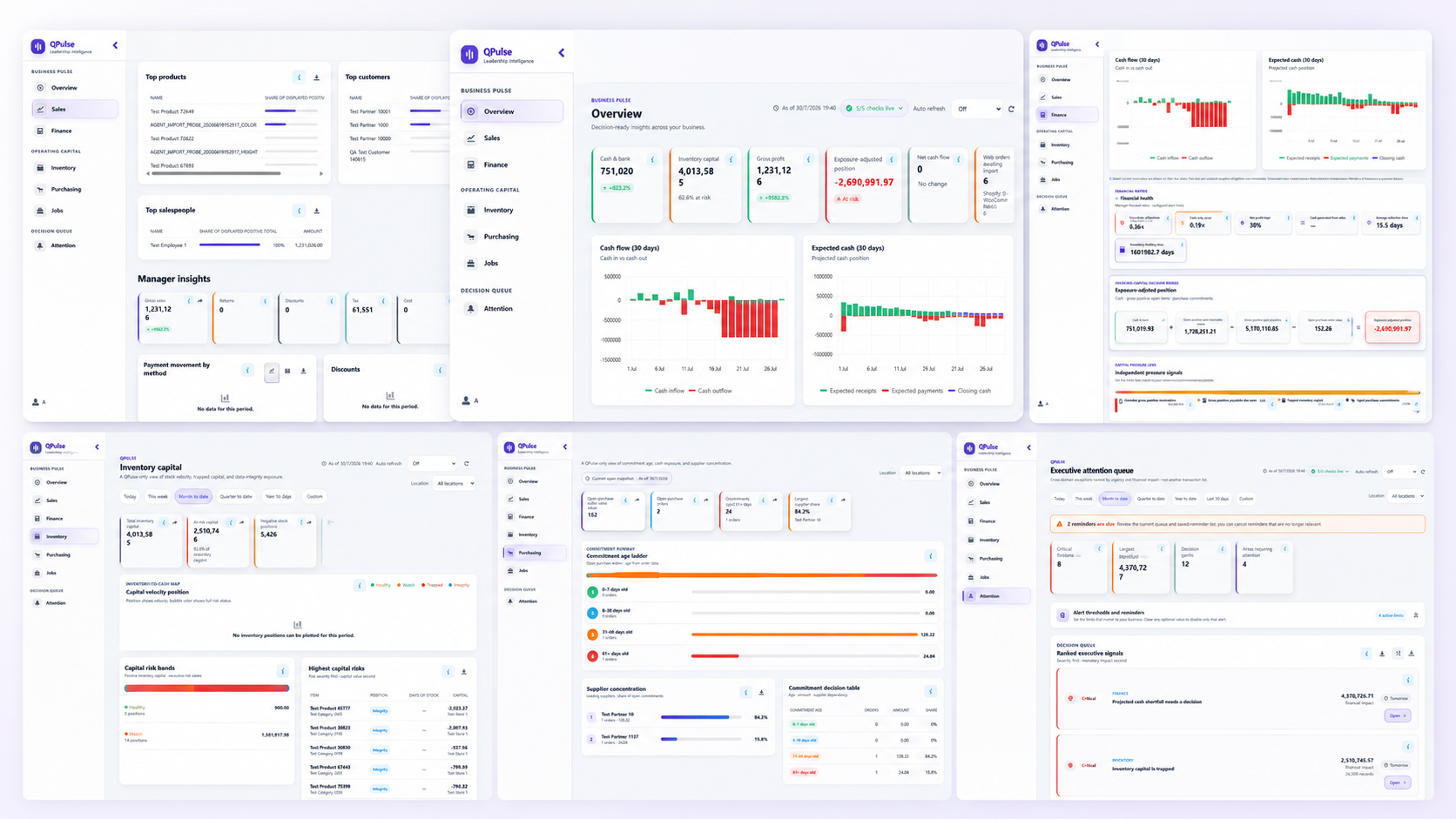
QPulse business performance and financial health views.
Executive insight

QPulse

Executive decision view for owners, CEOs, managers, and finance leaders who need to know how the business is performing and what needs attention.

  • Cash position, cash-flow outlook, projected shortfalls, and cash-sensitive alerts.
  • Sales, profitability, income, expense, and profit-and-loss trends with financial health ratios.
  • Ranked executive signals, threshold alerts, and reminders across receivables, inventory, purchasing, and jobs.

Available for QBM Premier and Enterprise customers, subject to authorized user access and company setup.

Read QPulse details
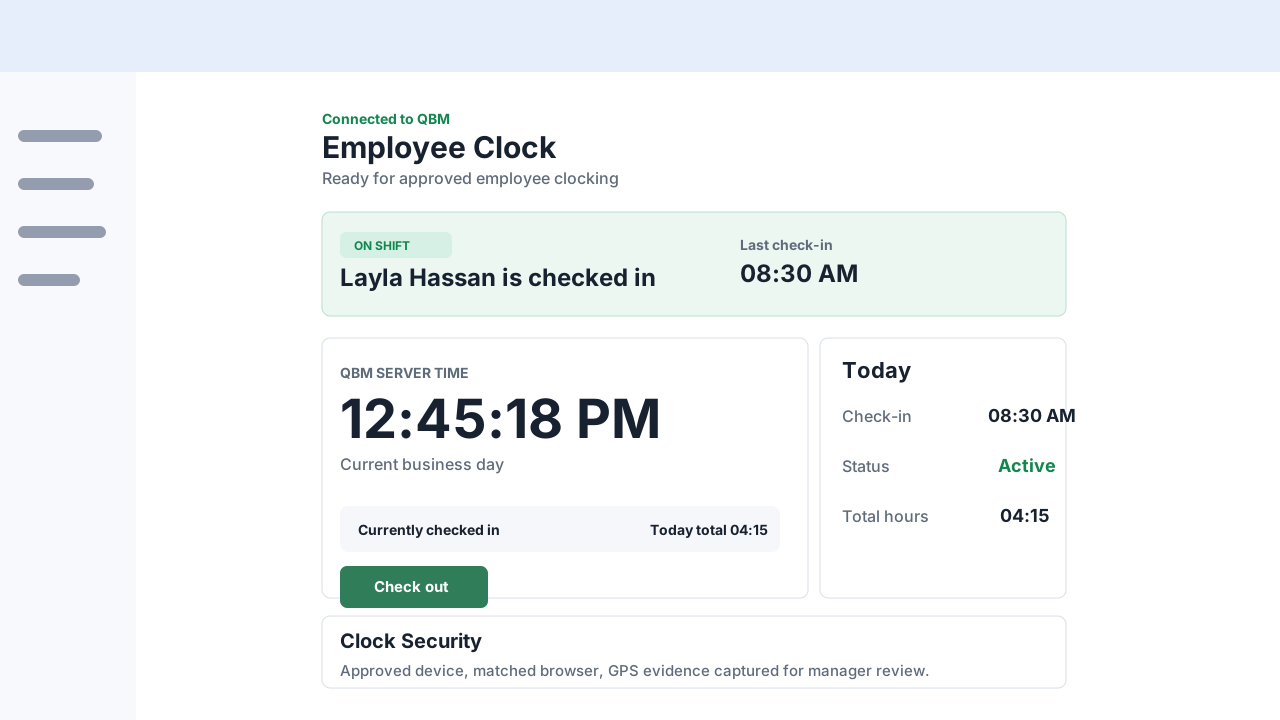
Illustrative QClock employee clocking screen.
Employee clocking

QClock

Employee clocking app for check-in, check-out, attendance status, and manager audit review.

  • Uses trusted QBM time for attendance actions.
  • Supports registered clock devices and employee confirmation.
  • Captures review context for authorized managers.
Read QClock details

App comparison

Choose the app that matches the customer workflow.

App Best for Main benefit Not for
QSales Sales users working with customers Create and continue sales documents A separate CRM or replacement for QBM
QSalesView Owners, managers, sales supervisors Browser sales visibility Accounting entry, inventory maintenance
QPulse Owners, CEOs, managers, and finance leaders Executive visibility into cash, financial health, performance, and operational pressure Accounting entry or replacing the full QBM workflow
QClock Employees and managers Clock-in/out with audit context Payroll, HR, scheduling replacement

Access model

Each app keeps the customer data boundary clear.

Approved browser users can reach the app while the company keeps ownership and control of its QBM data.

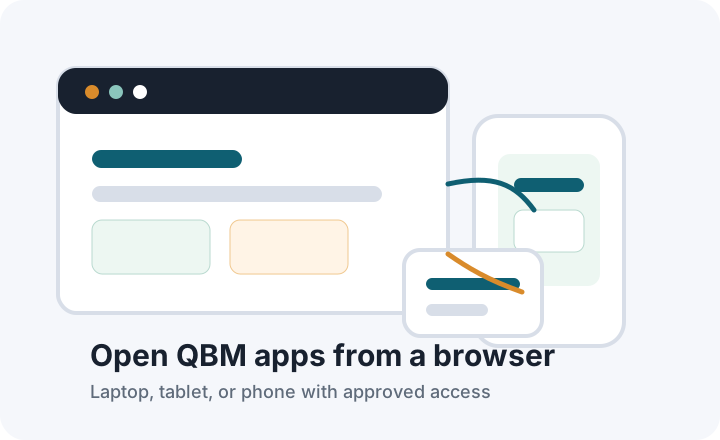
Browser access from laptop, tablet, and phone.

Access from anywhere

Open the approved QBM app URL from office computers, mobile devices, or remote browsers.

Approved browser route to private company QBM data.

Private by design

Approved browser traffic reaches the app through a secure connection while company data remains private.

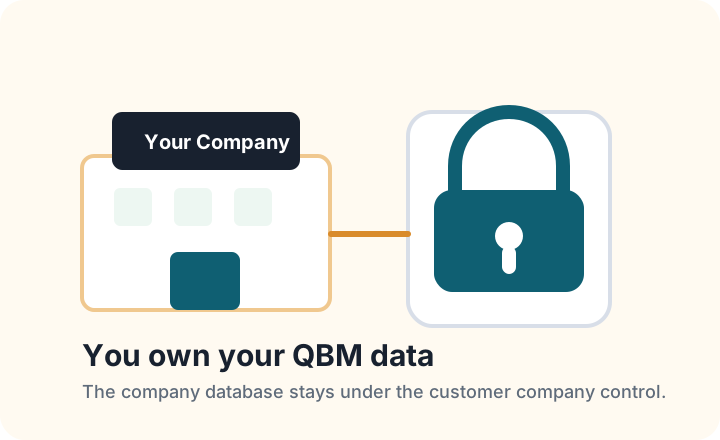
Company-owned data protected in the customer environment.

Owned by the customer

The customer's company data remains company-owned. QBMConnect is an access path, not a data owner.

QApps are included with QBM

QApps are included at no additional cost for QBM customers, with app availability matched to each QBM edition.

Your next step

Looking for the full QBM ERP?

Discover QBM’s business modules, arrange a demo, or find implementation guidance and support.

Explore QBM