
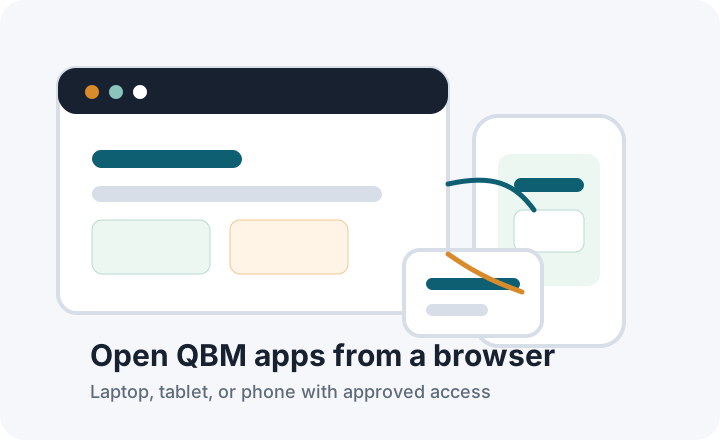
Browser access anywhere
Authorized users can open the app URL from any approved modern browser.
How access works
QBM web apps give approved users browser access while the QBM Server and company database stay inside the customer's private environment.
Authorized users can open the app URL from any approved modern browser.

The public route is for access only. The QBM Server and database remain private.
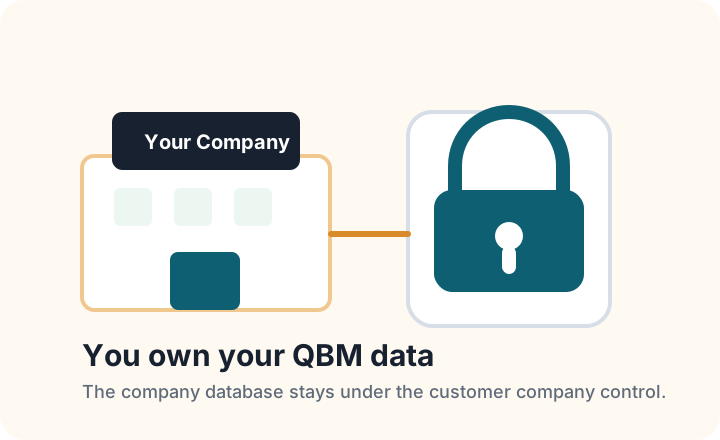
The customer company owns the QBM data and keeps it under company control.
QBMConnect.com provides customer-facing pages for explaining the available QBM browser apps and the private-data model.
QSales, QSalesView, QPulse, and QClock can use customer-facing web addresses so authorized users can open the right app from a browser.
The app connection should be approved, monitored, and configured by the implementation team. Private QBM services should not be exposed directly to public browsers.
Leave QBM Server and the customer company database on the customer machine or private network. App access is configured by the Business Aim implementation team.
Customer responsibilities
QBM help documents
QBMConnect explains browser access. For detailed QBM user setup, permissions, and connection guidance, use the public QBM help documents.
Open QBM help centerAccess FAQ
No. QBM Server and the company database remain inside the customer private environment. QBMConnect is for approved browser access and explanation.
Only users approved by the customer and configured for the relevant app should receive access.
Yes, when the customer approves mobile use and the setup supports the employee's browser or device.
No. GPS is optional and should be enabled only after the customer reviews notice, consent, and local employment-law requirements.
Business Aim implementation works with the customer to approve and configure the final connection for the company environment.
Browser access may be unavailable until internet service returns. Local QBM desktop availability depends on the customer's own environment and setup.
Your next step
Discover QBM’s business modules, arrange a demo, or find implementation guidance and support.